Salon booking software that works with your card terminal.
booqwell works with Clover, CardChamp (CardPointe), Square, Dejavoo and Stripe. Keep your merchant account, your terminal and your rates. booqwell adds no fee per transaction.
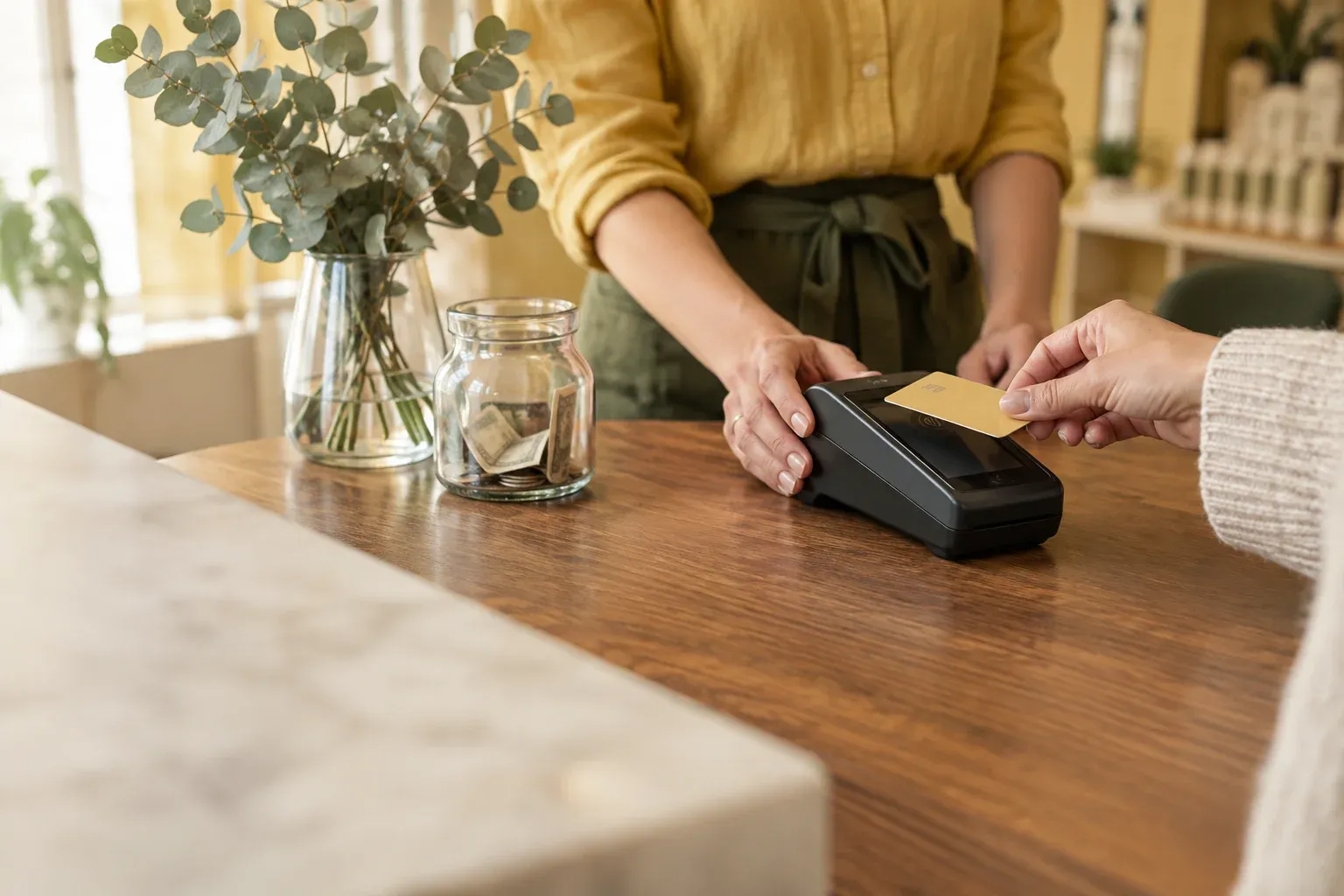
Keep your processor. Add everything around the appointment.
Most salons already have a way to take cards: a Clover at the front desk, a Dejavoo from the reseller who looks after the nail salon, a Square Terminal, a Stripe reader. Switching booking software should not mean switching that too.
Whichever processor you use, it stays as it is.
- Your merchant accountMoney from card sales goes straight to it. booqwell never holds it and takes no cut.
- Your terminalClover, CardPointe, Square, Dejavoo or Stripe: the device at your desk keeps taking cards.
- Your rates and contractNo new processing agreement. You pay the rates you already have.
- Your payoutsDeposits arrive on your processor’s schedule, exactly as today.
Booking and the front desk, at no fee per payment.
- Online booking at your own addressClients book at yoursalon.booqwell.com, with no marketplace around it.
- Email and text remindersA confirmation when they book and a reminder the day before.
- A live calendar on every screenA booking made anywhere appears at the desk and on every phone.
- Schedules, tips and commissionPer specialist, with a payroll export for Gusto or your bookkeeper.
- The sale on the appointmentEvery card payment recorded with the service, the tip and the specialist.
Card processors and POS systems
Pick yours to see how a day at the desk works, which devices it covers and how setup goes.
- Card taken on your Clover, recorded in booqwell
- Card on file at booking, set up with our team
- No-show fees and refunds from the console
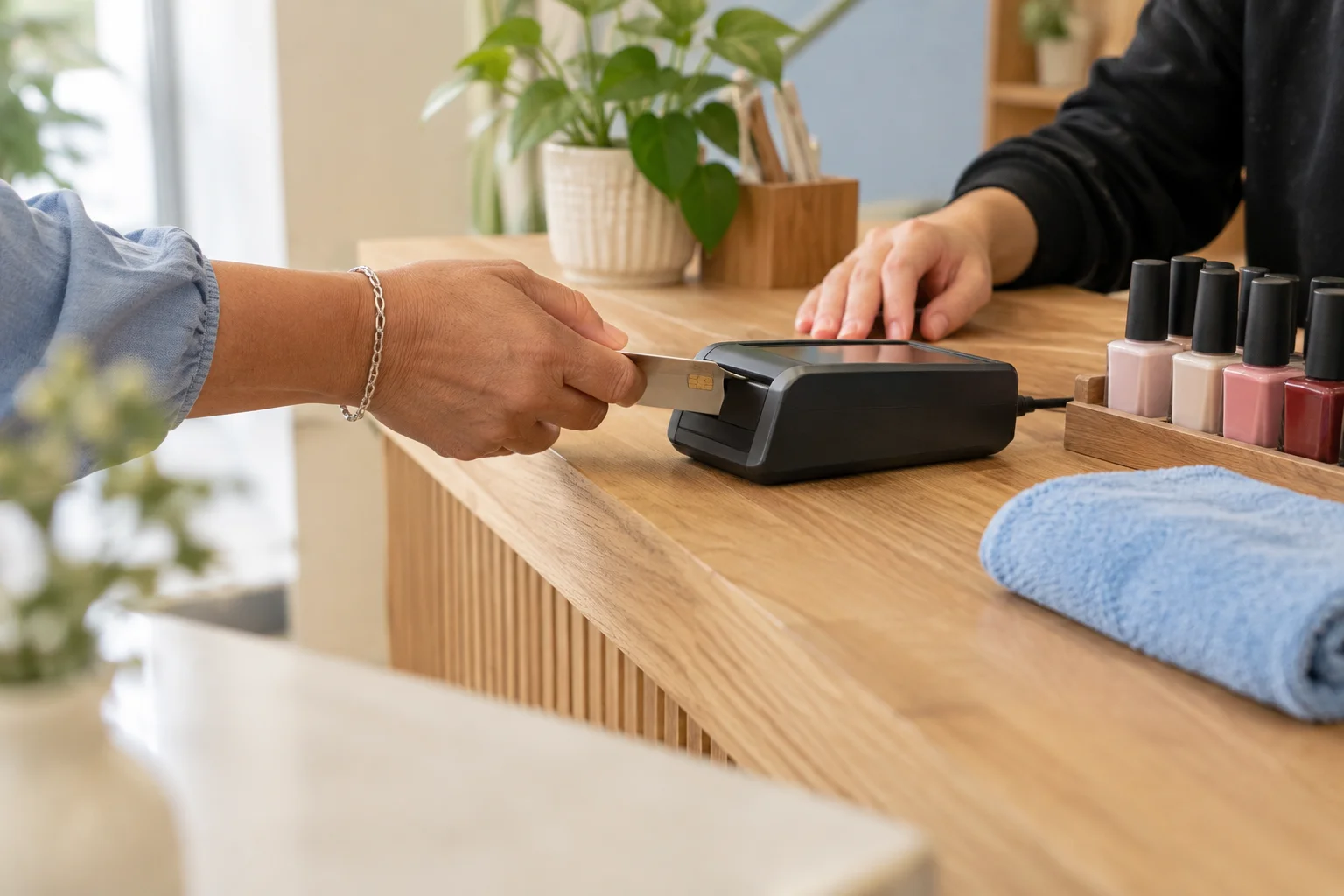
- Card taken on your terminal, recorded in booqwell
- Card on file at booking, set up with our team
- No-show fees and refunds from the console

- Card taken on your Square, recorded in booqwell
- Square Terminal, Register, Handheld or Reader
- Clients moved from Square Appointments for you

- Card taken on your Dejavoo, recorded in booqwell
- P line, QD line and Z line terminals
- Your reseller and rates stay the same
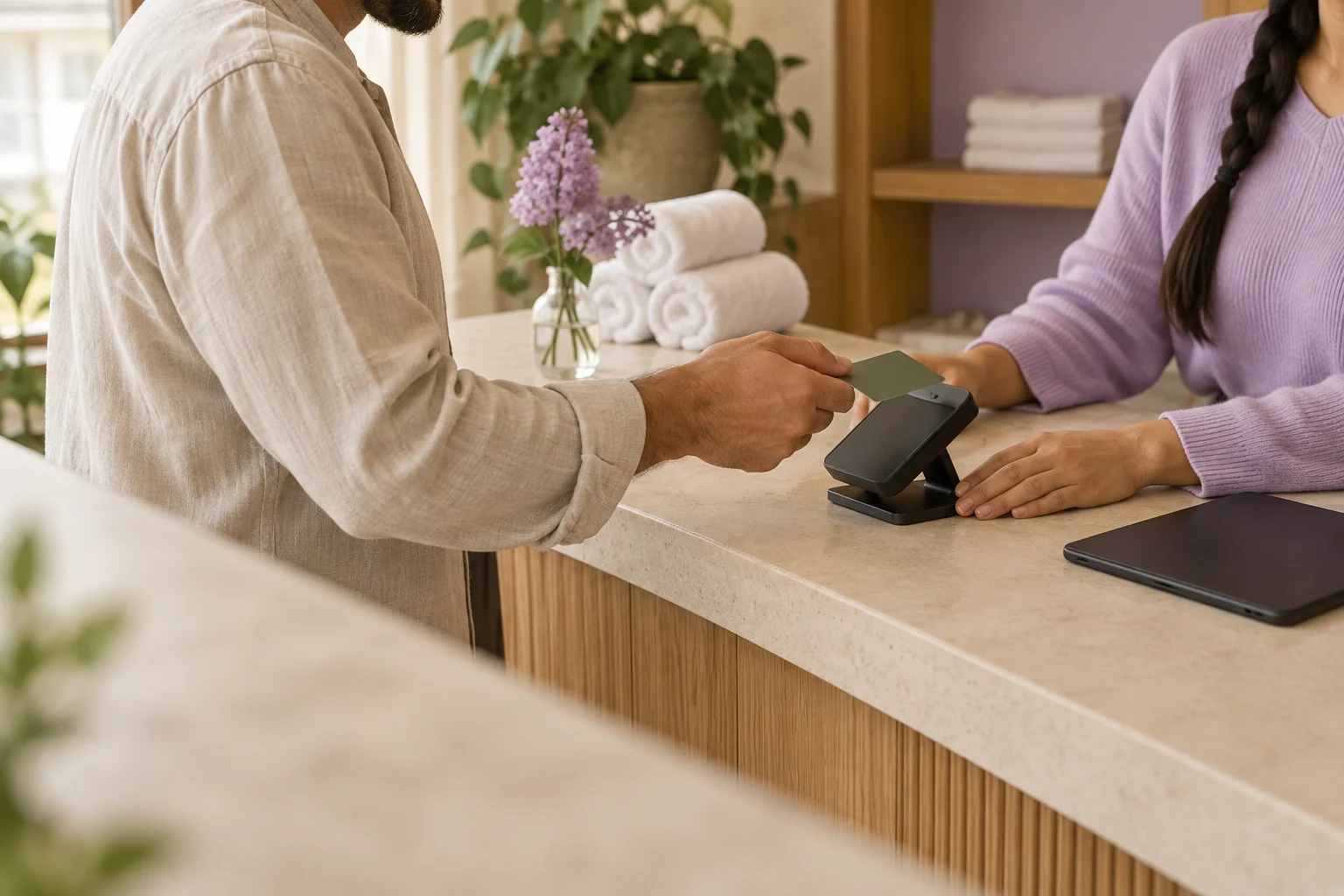
- Card taken on your reader, recorded in booqwell
- S700, WisePOS E, M2 or Tap to Pay
- Payouts stay on Stripe’s schedule
How checkout works with your terminal
The appointment becomes the ticket. Add retail and the tip, take the card on your own terminal, and the sale is saved in booqwell with the specialist, so reports and payroll come out right.
- Open the appointmentThe service, the specialist and the client are already on the ticket. Add retail or an add-on.
- Card on your terminalTake the card on your Clover, CardChamp, Square, Dejavoo or Stripe device, as you do today.
- Recorded in booqwellMark it paid by card. The day’s card total sits next to your batch at close.
What booqwell does with each processor
The same booking, calendar and reminders on every processor. On Clover and CardChamp (CardPointe), our team also sets up card on file and no-show fees.
| Clover | CardChamp | Square | Dejavoo | Stripe | |
|---|---|---|---|---|---|
| Keep your merchant account and rates | Included | Included | Included | Included | Included |
| Card taken on your own terminal | Included | Included | Included | Included | Included |
| Sale, tip and specialist recorded in booqwell | Included | Included | Included | Included | Included |
| Day’s card total to check against your batch | Included | Included | Included | Included | Included |
| Payroll export with tips and commission | Included | Included | Included | Included | Included |
| Card on file when clients book | Included | Included | — | — | — |
| No-show fees and refunds from the console | Included | Included | — | — | — |
| booqwell fee per payment | $0 | $0 | $0 | $0 | $0 |
Calendars
Each team member can see their bookings in the calendar app on their own phone.
A private subscription link to your bookings, from Settings › Calendars. Updates when an appointment moves.
The same link, on iPhone, iPad and Mac.
The same link, in Outlook on the web or on your computer. Specialists get their own from My profile.
Payroll and accounting
Pay your team from the same numbers your terminal shows.
Team & payroll exports each pay period as a CSV with services, commission and tips, in a format Gusto’s Smart Import reads.
Private data links (CSV or JSON) from Settings › Accounting, for a bookkeeping tool to fetch. Revoke a link at any time.
Add your booking link as the Book now action button on your profile, or under Links.
Add a Book with you action button on your Page that opens your booking page.
Add your booking link to your Business Profile so a Book button shows in Search and Maps.
Email, text and WhatsApp reminders
Confirmations and reminders go out for you, in your salon’s name, on the channel each client uses.
How reminders workConfirmations and reminders by email, sent through Resend.
Reminders by text, sent through Telnyx once carrier registration for your salon is approved.
Confirmations and reminders on WhatsApp, for salons whose clients prefer it.
Your own AI assistant
Already use ChatGPT or Claude? Connect it to your booqwell account with a sign-in.
How connections workWho it’s for
Nail salons, barbershops, spas and every other kind of appointment business keep their own card terminal with booqwell.
Integration questions
- Which card processors does booqwell work with?
- Clover, CardChamp (CardPointe), Square, Dejavoo and Stripe. You keep your merchant account, your terminal and your rates. If you use another processor, tell us which one.
- Do I have to change my POS system or card terminal?
- No. The card is taken on the terminal you already have, and the sale is recorded against the appointment in booqwell.
- Does booqwell take a fee on card payments?
- No. booqwell adds nothing per transaction. You pay your processor’s rates as you do today, and the money goes straight to your merchant account.
- Can clients save a card when they book?
- Yes, for salons on Clover and CardChamp (CardPointe). Our team sets it up with you, and you can then charge no-show and late-cancel fees and make refunds from the console. On Square, Dejavoo and Stripe, fees are taken on your terminal and recorded in booqwell.
- Will my reports match my processor?
- Yes, if every sale is checked out in booqwell. Sales shows the day’s card total, cash and gift cards, so you can check it against your processor’s batch at close.
- Does booqwell work with Gusto?
- Team & payroll exports each pay period as a CSV with services, commission and tips that Gusto’s Smart Import reads. Your bookkeeper can also use private CSV or JSON data links.
- Can my team see bookings in Google Calendar or Outlook?
- Yes. Each specialist can subscribe to their own bookings from My profile, and owners can add the salon’s calendar from Settings › Calendars.
- Can clients book from Instagram, Facebook and Google?
- Yes. Copy your booking link from Settings and add it as the Book now button on Instagram, the action button on your Facebook Page and the booking link on your Google Business Profile.
- Is booqwell a good salon POS system?
- booqwell is the front desk: booking, calendar, checkout tickets with retail and tips, gift cards, commission and payroll export. Your card terminal stays the payment side, so you keep the processor and rate you chose.
- What does setup cost?
- Nothing extra. We set up your services, team and processor with you on a call. booqwell itself is priced per location, and we quote it for your salon: ask us through the contact form.
Use something else? Tell us.
Tell us which processor, calendar or tool you use. We add integrations in the order salons ask for them.
Get a price for your salon.
One price per location, no contract. We reply within one business day.