Salon booking software that works with your Clover.
Keep your Clover device, your merchant account and your rates. booqwell runs online booking, reminders, the calendar and your client records, and every Clover payment is recorded against the appointment it paid for.
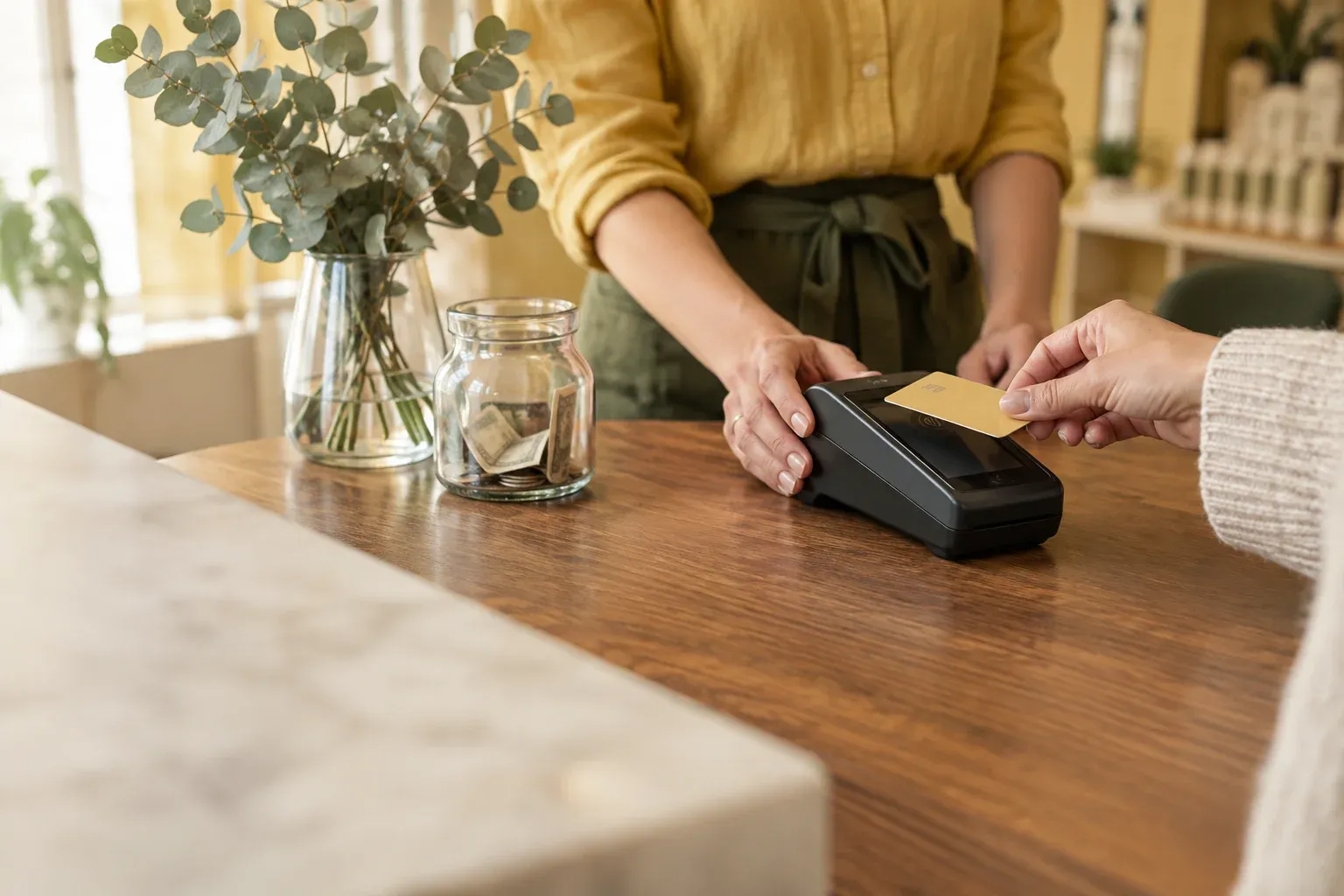
Keep your processor. Add everything around the appointment.
Clover is a point-of-sale system from Fiserv, sold through banks and payment companies. If you already have one at the front desk, keep it: booqwell is the booking and front-desk system that works alongside it.
Your Clover setup stays exactly as it is.
- Your merchant accountYour Clover account stays yours. Money from card sales goes straight to it; booqwell never holds it.
- Your terminalThe Clover device at your front desk keeps taking cards. Station, Mini, Flex or Go: whichever you have.
- Your ratesYou pay Clover’s rates on your existing agreement. booqwell adds no fee per payment.
- Your payoutsDeposits arrive on Clover’s schedule, exactly as they do today.
Booking and the front desk, at no fee per payment.
- Online booking at your own addressClients book at yoursalon.booqwell.com, with no marketplace around it.
- Email and text remindersA confirmation when they book and a reminder the day before.
- A live calendar on every screenA booking made anywhere appears at the desk and on every phone.
- Schedules, tips and commissionPer specialist, with a payroll export for Gusto or your bookkeeper.
- The sale on the appointmentEvery Clover payment recorded with the service, the tip and the specialist.
A day at the desk with your Clover
Booking and the calendar live in booqwell. The card is taken on your Clover. Both sides see the same sale.
- Client checks inThe appointment is already on the calendar with the service, the specialist and the client’s notes.
- Card on your deviceAdd retail and the tip on the ticket, then take the card on your Clover device as you do today.
- 3Recorded in booqwellMark it paid by card. The sale, the tip and the specialist are saved for reports and payroll.
Card on file, no-show fees and refunds
For salons on Clover, booqwell can save a client’s card when they book online, charge your no-show or late-cancel fee from the appointment, and refund all or part of a fee from the console. The card is saved in your Clover account, not with booqwell; booqwell keeps only the card brand and last four digits so your team can see which card is on file.
Our team sets this up with you on the setup call: we connect it to your Clover merchant account, choose whether a card is required to book, and run a test charge and refund together before real clients book.
You decide the policy. Reminders the day before, by email and text, are often enough to cut no-shows on their own. When someone does not come, mark the visit as a no-show, and the fee is one tap from the appointment instead of a call to the client.
How reminders workReports and payroll that match your Clover batch
Every checkout in booqwell records what was sold, who did it, the tip and how it was paid: card, cash or gift card. At the end of the day, open Sales and you see the day’s card total next to the card total on your Clover. If the numbers differ, you can see which ticket is missing or voided instead of hunting through receipts.
Tips are recorded per specialist on services only, never on retail, so commission and tip pay come out right. Team & payroll adds up each person’s services, retail, commission and tips for the pay period, and exports it as a CSV that Gusto’s Smart Import reads, or that your bookkeeper can open in a spreadsheet.
For accounting, Settings › Accounting gives you private data links (CSV or JSON) that a bookkeeping tool can fetch for each pay period. You can revoke a link at any time.

Clover devices salons use
booqwell works next to any of them, because the card is taken on the device and recorded in booqwell. Clover sells these through banks, payment companies and clover.com:
Sources: Clover point-of-sale systems (Clover partner site); Clover devices (Clover developer docs). Read on October 10, 2026.
How to set it up
- 1Ask for pricingGet in touch and tell us you use Clover. Your booking page, services and team are set up with you on a call.
- 2We connect it with youOn the setup call we link your Clover merchant account to each booqwell location, and set card on file and fees the way you want them.
- 3Test, then goWe run a small test charge and refund it together. From then on, take cards on your Clover and record them in booqwell.
Setup is done with you on a call. You do not need to install anything on the Clover device.
What it costs
Nothing from booqwell.
Card processing stays between you and Clover. booqwell adds no fee per transaction, no markup on card payments and no fee to connect. booqwell itself is priced per location, quoted for your salon on enquiry, and the price is the same whichever processor you use.
- booqwell fee per payment
- $0
- booqwell fee to set up
- $0
- Card processing
- Your Clover rate, unchanged
- booqwell
- Priced per location, on enquiry
booqwell with Clover for
Nail salons, hair salons, spas and barbershops that take cards on Clover use booqwell for booking, reminders and the calendar.
Clover questions
- Does booqwell work with Clover?
- Yes. You keep your Clover device and merchant account. booqwell runs booking, reminders, the calendar and client records, and each Clover payment is recorded against its appointment in booqwell.
- Do I need a new Clover device?
- No. Keep the Station, Mini, Flex or Go you have. The card is taken on your device as it is today.
- Can clients save a card when they book?
- Yes, for salons on Clover. The card is saved in your Clover account, and our team sets it up with you. booqwell keeps only the brand and last four digits.
- Can I charge no-show and late-cancel fees?
- Yes. With a card on file, the fee is charged from the appointment in the booqwell console, and you can refund all or part of it there.
- Where does the money go?
- Straight to your Clover merchant account, on Clover’s payout schedule. booqwell never holds it.
- Does booqwell take a cut of Clover payments?
- No. booqwell adds no fee per transaction. You pay Clover’s rates on your existing agreement.
- Can I still ring up walk-in retail on Clover?
- Yes. booqwell does not change how you use Clover on its own. To keep reports complete, check retail out on the booqwell ticket as well.
- Is booqwell on the Clover App Market?
- No. booqwell is a separate booking system that works alongside your Clover. You sign in at booqwell, not on the device.
- How do tips work?
- Tips are recorded per specialist on the booqwell ticket, on services only, and show up in payroll for the pay period.
- What if I leave Clover later?
- Your clients, appointments and history stay in booqwell. Switch processor and carry on.
Other processors booqwell works with
All integrationsCheckout and point of saleOnline bookingFor nail salons
Get a price for your salon.
One price per location, no contract. We reply within one business day.